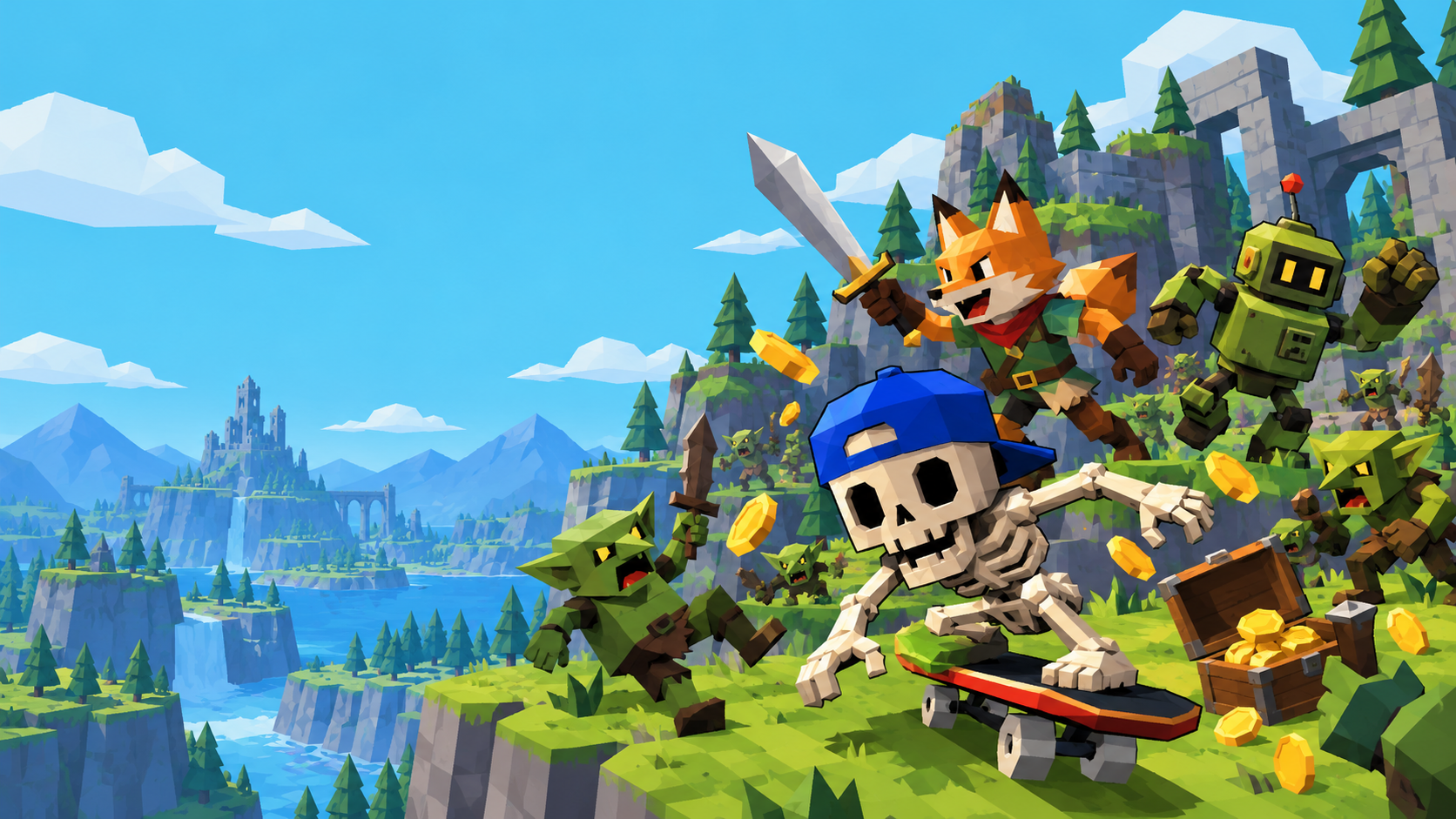
MegaBonk. Now with company.
Bonk with
backup.
Same ridiculous run.
A few more questionable decisions.
Bring your friends into MegaBonk with shared progression, party rewards, and a whole lot of things to hit.
v0.2.5 Free, unofficial, and still a little bonkers.
A bad idea.
Better together.
The monsters didn’t ask for backup.
You did.
Multibonk takes MegaBonk’s single-player chaos and makes room for your party. Pick your own character. Make your own build. Get through the run together.
One run, shared progress
XP, levels and gold are shared across the party.
Your loot. Your choice.
Supported chest and shrine rewards reach the party. Everyone makes their own pick.
Bring your own build
Keep your character and loadout while the host keeps the world in sync.
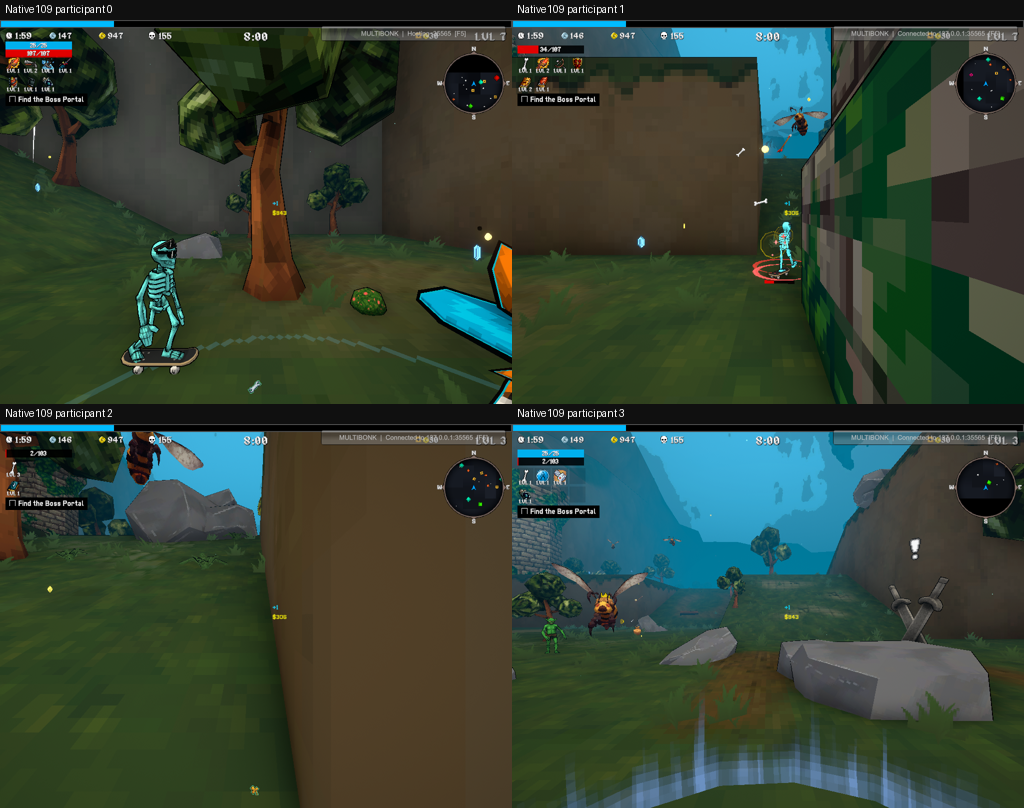
Less reading.
More bonking.
Get the whole party on the same release before you start.
A tiny mod. A few important steps.
- Close MegaBonk. Back up your save and any existing mod DLL.
- Install MelonLoader 0.7.3, Windows x64 / IL2CPP. Launch the game once, then close it.
- Download Multibonk and put
Multibonk.dllinside your game’sModsfolder. - Give every player the exact same mod DLL and game version.
Someone has to be responsible.
- In Steam, open MegaBonk’s Properties → General → Launch Options.
- Add the launch option below, then start the game and pick a character.
- Press F5, choose Host, and allow TCP port 35565 through Windows Firewall.
- When your friends appear, choose Start Game or press F8.
--multibonk-port 35565Show up. Pick a character. Bonk.
- Install the same mod release and game version as the host.
- Ask the host for their address, including
:35565. - Start MegaBonk, select a character, and press F5.
- Enter the address, choose Join, and wait for the host to start.
192.168.1.20:35565A little rough
around the bonks.
This is a community work in progress.
Here’s what to know before you jump in.
Why is my friend bright pink?
Some remote characters can have missing or incorrect materials. Magenta is a known rendering issue, not a secret skin. Please report the character and skin with a screenshot.
Do all attacks look exactly the same?
Not yet. Remote attack effects can differ from the owning player’s effects. Full visual parity is still in progress, and hats aren’t synchronized.
Can I join through Steam?
The current public release uses an IP address and TCP port. Steam networking is being developed separately and hasn’t completed two-account testing. Don’t mix development DLLs with the public release.
What happens when someone goes down?
Downed-player and party-wipe handling are included. A living participant can activate normal portals; downed players can’t. A separate manual revive mechanic isn’t implemented.
Will it work with my other mods or Steam Deck?
The tested setup is Windows x64, MegaBonk 1.0.69, and MelonLoader 0.7.3. Linux, Steam Deck, other game versions and combinations with gameplay mods remain unverified.
Something
went bonk?
Tell us what happened.
No GitHub account needed.
Send a private report here, or use GitHub for a public discussion. Include your character, weapon and what went wrong. For screenshots or logs, add a shareable link or attach them on GitHub. Remove personal information first.
See reported issues